
TikTok MP3 Downloader – Save Songs & Sounds
Paste a video link, press Download MP3 and keep the audio. Perfect for viral songs, remixes, sped-up edits and the voiceovers everyone is quoting.
vt.tiktok.comvm.tiktok.comtiktok.com/@user/videoFor public content only. Please respect artists’ and creators’ copyright.
By using this service you accept our Terms of Service.
How to convert TikTok to MP3 in 3 steps
The process is the same on a phone or a laptop and usually takes less than 15 seconds.
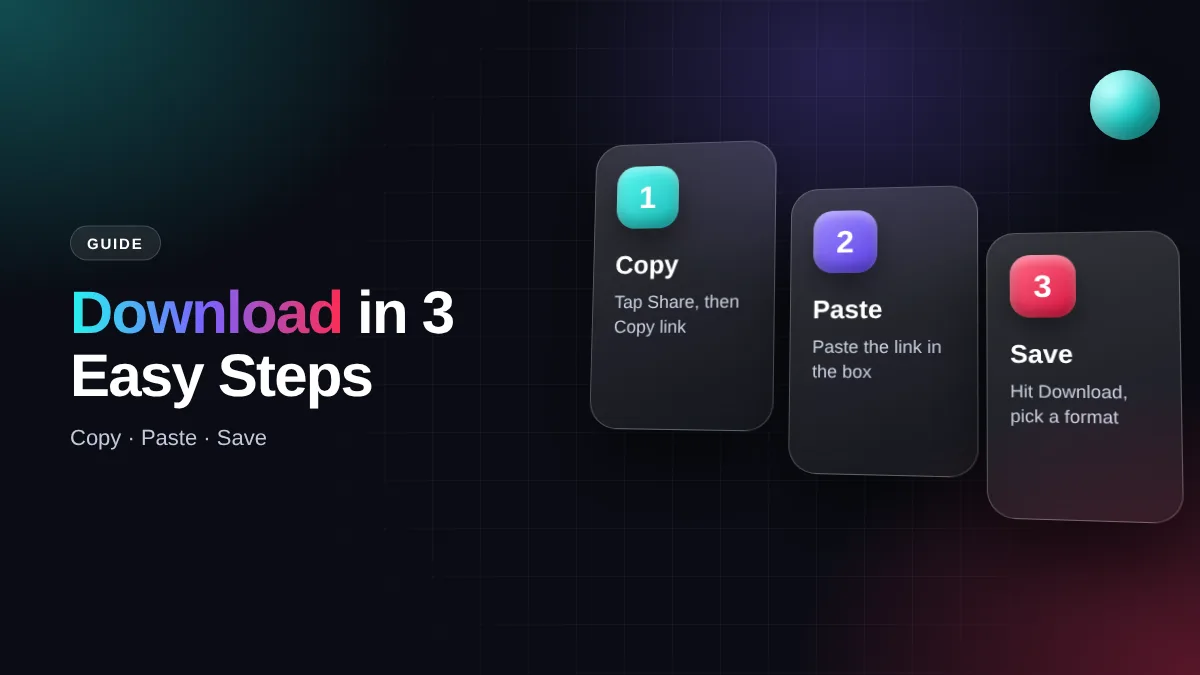
Copy the link
Open the video with the sound you like, tap Share, then Copy link.
Paste it here
Come back to this page and paste the link into the box at the top.
Save the MP3
Press Download MP3. The audio file goes straight to your downloads.
Tip: Looking for an original sound? Open the sound page in TikTok and copy the link of any video that uses it.
TikTok audio download without the hassle
Plenty of trending sounds never make it to Spotify, Apple Music or YouTube Music because they are remixes, sped-up versions or a creator’s own voice. This tool pulls the audio straight from the video.
The audio you actually hear
You get the exact track played in the clip, including remixes and slowed or sped-up edits.
Fast and small
No queue. A one-minute TikTok MP3 is only about 1 MB.
No login
No TikTok account, email or phone number. Just the video link.
Every device
Works in Chrome on Android, Safari on iPhone and any desktop browser.
TikTok MP3 quality, file size and formats
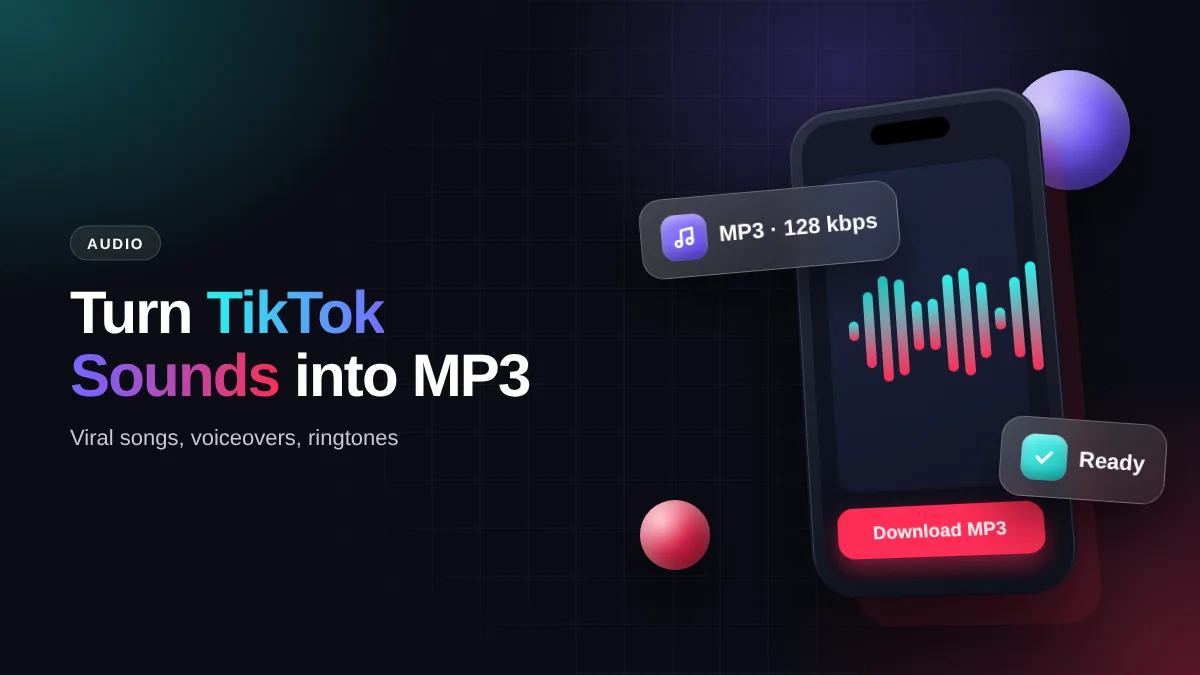
TikTok usually stores audio as AAC (M4A) at around 128 kbps. When you hit download, we convert it into a standard MP3 so it plays in any music app, from your phone’s default player to VLC or foobar2000.
Your TikTok MP3 can only be as good as the source. We can’t add quality that isn’t there, and sites promising “320 kbps” for every sound are usually just padding the file. For a ringtone, a WhatsApp status or a CapCut edit, 128 kbps is plenty.
Need M4A instead? Some video editors prefer it. Free tools like VLC or Audacity convert MP3 to M4A in a few clicks without a noticeable loss.
TikTok to MP3 on phone and computer
Android
MP3 files land in the Download folder and appear in your music app. Set one as a ringtone in Settings → Sound.
iPhone
In Safari, files go to the Files app → Downloads. To make a ringtone, import it into GarageBand and export it as a ringtone.
Windows & Mac
Right-click the download button and choose Save link as to pick a folder. Open it in Windows Media Player or Apple Music.
What people do with TikTok audio
Ringtones & alarms
A funny sound or a favourite song from your FYP makes a ringtone nobody else has.
WhatsApp status
Pair the audio with your own photos for a status or Instagram story.
Editing reference
Creators use the audio as a beat guide while editing in CapCut or Premiere Rush.
Offline playlists
Listen to saved sounds on the go without using mobile data.
Why won’t the audio download?
| Problem | Cause | Fix |
|---|---|---|
| MP3 has no sound | TikTok muted the track for copyright | Find another video using the same sound |
| “Invalid link” | You copied the caption, not the URL | Share → Copy link again |
| Audio is cut short | The creator used only part of the song | Use a longer video with the same sound |
| File plays instead of saving | Browser opened the audio | Long-press the button → Download link |
Use downloaded audio responsibly
Commercial songs on TikTok are still owned by their labels and artists. Saving audio for your own listening is generally fine, but re-uploading a song to YouTube or elsewhere can trigger a copyright claim under rules like the DMCA. If you want music for your own content, use TikTok’s Commercial Music Library or buy a licence.
TikTok MP3 FAQ
Is this TikTok MP3 downloader free?
Yes, free with no daily limit and no premium plan.
Can I download just the sound without the video?
Yes. The Download MP3 button saves only the audio, so the file is much smaller.
Can every TikTok be converted to MP3?
Almost every public video can be turned into a TikTok MP3. The exceptions are private accounts and videos whose sound has been muted.
How do I download TikTok audio on iPhone?
Use Safari, paste the link, press Download MP3, then open the Files app and check Downloads.
What quality is the MP3?
It follows the source, usually 128 kbps, the same audio you hear inside the TikTok app.
Do I need to install anything?
No. Everything runs in your browser.
SSSTikTok is an independent tool and is not affiliated with TikTok or ByteDance Ltd. All rights to content belong to the original creators.