
SSSTikTok – TikTok Video Downloader Without Watermark
Paste a link, press Download, done. Save TikTok videos in HD, grab the audio as MP3, or keep every photo from a slideshow. Free and no sign-up.
vt.tiktok.comvm.tiktok.comtiktok.com/@user/videoWorks with public videos only. Please respect creators’ copyright. · 🇮🇩 Bahasa Indonesia
By using this service you accept our Terms of Service.
Everything you need to save TikTok content
We built ssstiktok for one job: getting a clean copy of a TikTok onto your device with as few taps as possible. No fake buttons, no forced sign-ups, no pop-up maze.
Watermark removed
The bouncing TikTok logo and username overlay are gone, so the clip looks the way the creator filmed it.
Original HD quality
We fetch the highest resolution the creator uploaded, usually 1080p, with no extra compression on our side.
TikTok to MP3
Keep only the sound. Perfect for that trending song you can’t find on Spotify or Apple Music.
Photo Mode & slideshows
Carousel posts are split into separate JPG files, each at full resolution and free of overlays.
Any device, any browser
Chrome, Safari, Firefox, Edge or Samsung Internet. Android, iOS, Windows, macOS and Linux all work.
Free and unlimited
No account, no daily cap, no premium tier. One video or fifty, the process is the same.
How to download TikTok videos with SSSTikTok
It takes less than a minute, and the steps are the same on a phone or a computer.
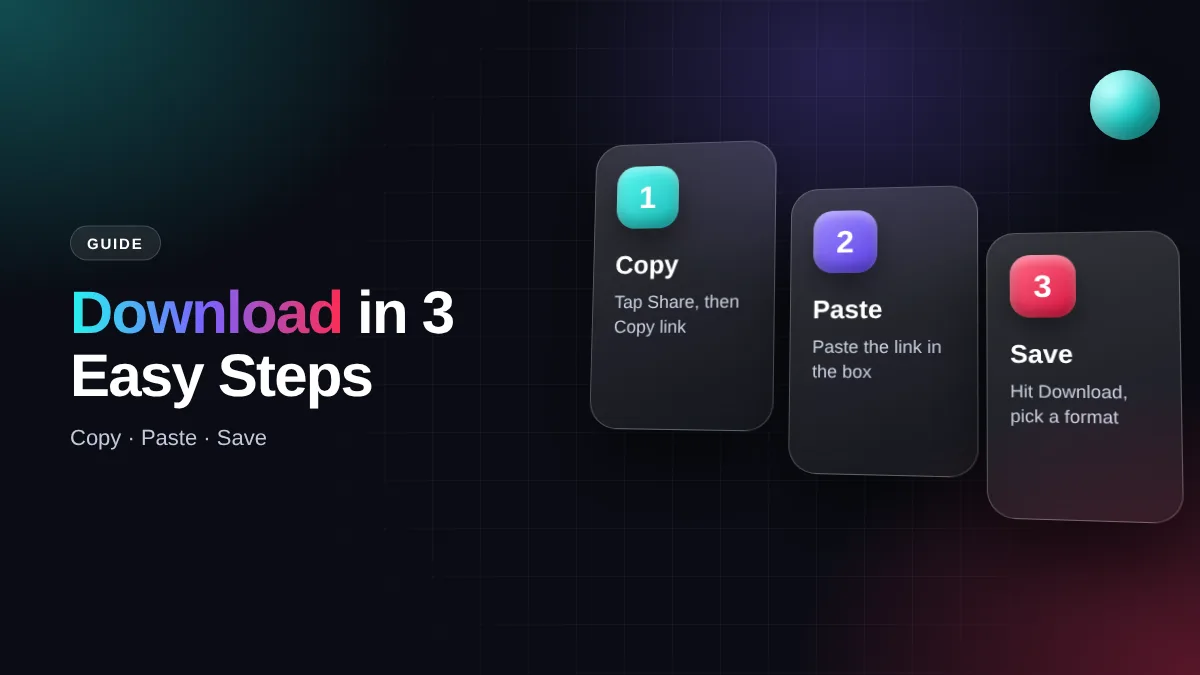
Copy the link
Open the video in the TikTok app, tap Share (the arrow icon), then choose Copy link.
Paste it here
Come back to this page and paste the URL into the box at the top, or tap the Paste button.
Press Download
Our server reads the link and prepares your options: HD MP4, standard MP4 or MP3.
Save the file
Pick the format you want. The file lands in your Downloads folder or camera roll.
Tip: A valid link looks like vm.tiktok.com/… or www.tiktok.com/@username/video/…. On a computer you can also copy it straight from your browser’s address bar.
Which download button should you pick?
Once ssstiktok processes your link, a few buttons appear under the box. Here is what each one does:
Without watermark
A clean video at standard size. Lightest option and perfect for watching on a phone.
Without watermark HD
The highest resolution the creator uploaded, usually 1080p. Best for big screens or editing.
MP3 audio
Just the sound. Great for songs, trending audio or ringtones.
Download another video
Clears the box so you can paste the next link straight away.
What is SSSTikTok?
SSSTikTok is a free, browser-based TikTok downloader. You don’t install an app or a browser extension. The heavy lifting happens on our servers, which keeps your phone’s storage and battery out of it.
The “SSS TikTok” trick has been around for years: people would add three letters in front of a video URL to reach a download page. We turned that habit into a proper tool with a cleaner layout, fewer ads and more format choices.
TikTok, owned by ByteDance, does have its own Save video option. But it keeps the watermark, and many creators switch it off entirely. A ssstiktok TikTok download gives you a clean file you can rewatch offline without burning mobile data. That’s why people still search for a TikTok video download tool instead of the built-in button.
What you can save
- Videos as HD MP4 or a lighter standard version
- Audio as MP3 from any public clip
- Photo slideshows as individual JPG images
- Long videos of 10 minutes and more
- Stories from public accounts while they’re live
SSSTikTok MP3: save songs and trending sounds
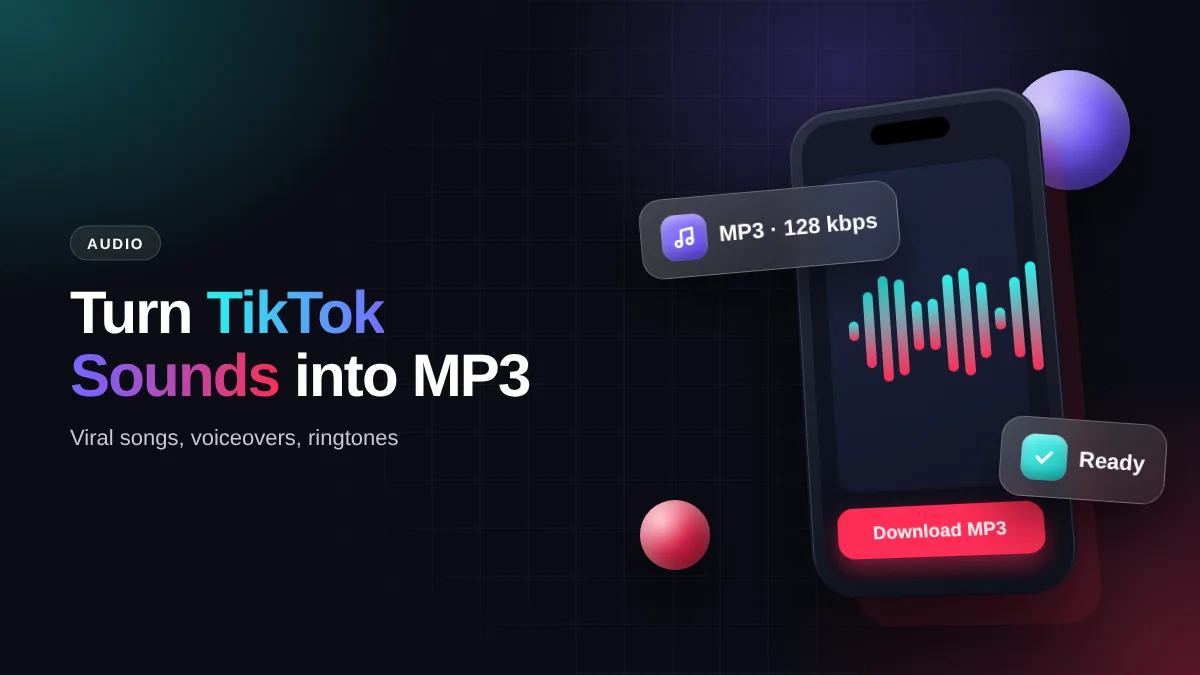
It happens all the time: a sound is everywhere on your For You page, yet Shazam can’t name it because it’s a remix, a sped-up edit or someone’s voiceover. The ssstiktok MP3 option pulls the audio track out of the video and saves it as a regular MP3 file that plays in any music app.
The steps are identical to a video download. After the link is processed, choose Download MP3. Audio quality follows the source, which is usually 128 kbps. That’s fine for a ringtone, a WhatsApp status or a CapCut edit. If you want studio quality, look for the original track on a licensed streaming platform.
SSSTikTok HD: MP4 quality and what “4K” really means
Once your link is ready, you’ll see two video options. HD MP4 keeps the highest resolution the creator uploaded, typically 1080×1920. It’s the one to pick for a laptop, a smart TV or a presentation. Standard MP4 is a much smaller file and looks almost identical on a phone screen.
No downloader can add detail that isn’t in the source. If a creator uploaded in 720p, your file will be 720p too. Sites that promise “4K” for every clip are usually just upscaling, which makes the file bigger but not sharper. We would rather be upfront about that.
MP4 with H.264 video is the format we use because it plays everywhere: the iPhone Photos app, Android Gallery, VLC, Windows Media Player and QuickTime on a Mac.
TikTok photo download: save slideshows as JPG
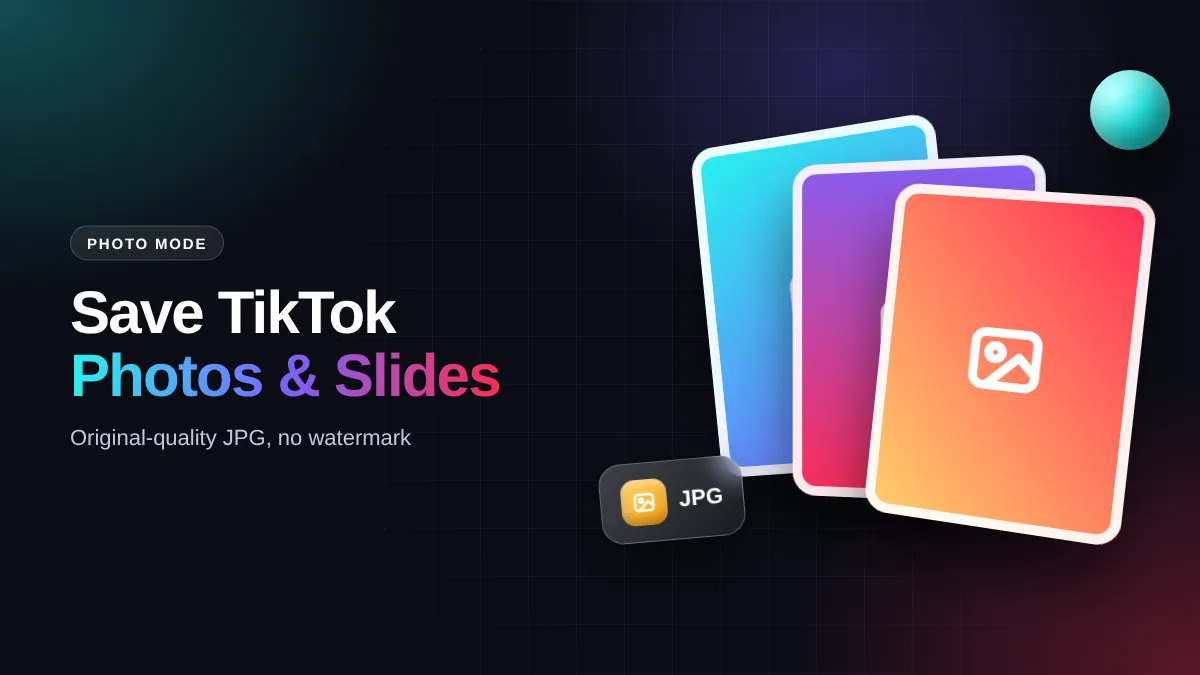
Photo Mode posts are everywhere now: recipe cards, outfit ideas, study notes and travel dumps. Taking a screenshot of each slide is slow and leaves the interface in the picture. Paste the link into ssstiktok instead and every image appears separately with its own download button.
Save them all or only the ones you need. Images come as JPG, so they open straight away in your gallery, Canva, Lightroom or a chat app. The background music from the slideshow can be grabbed with the MP3 button too.
Save TikTok videos on Android, iPhone and PC
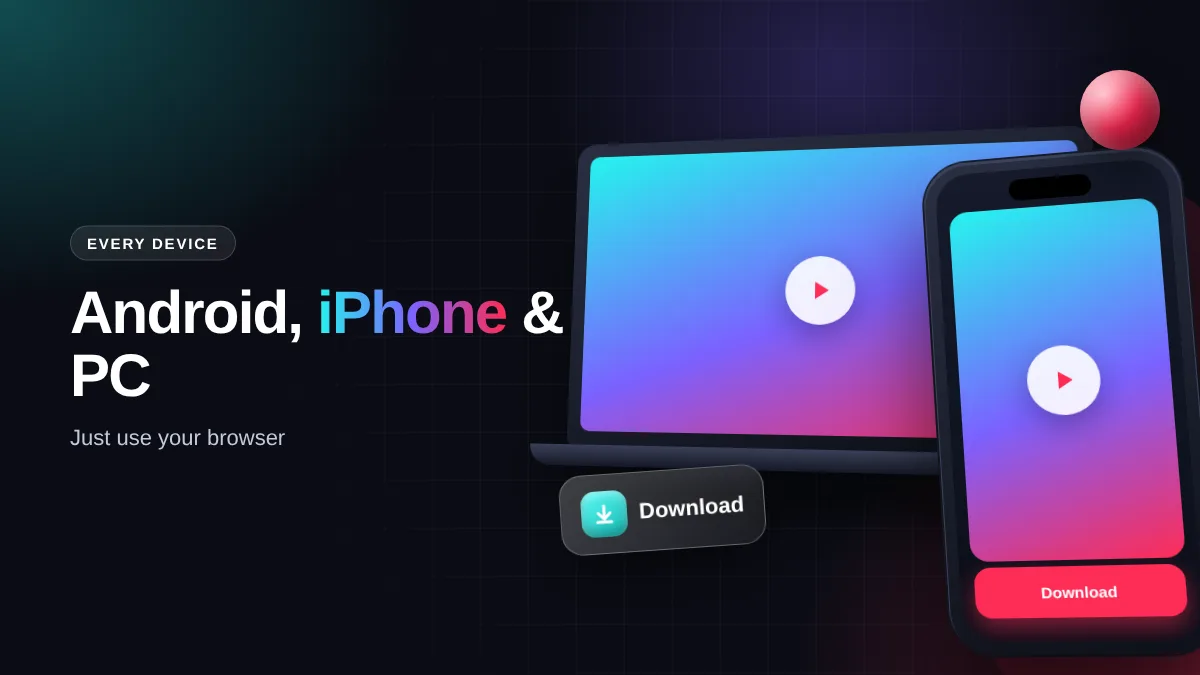
Each platform stores ssstiktok downloads in a different place. Here’s where to look.
Android
Use Chrome or your built-in browser. Files go to the Download folder and show up in Gallery or Google Photos. If not, open the Files by Google app.
iPhone & iPad
Use Safari on iOS 13 or later. When the download finishes, open the Files app → Downloads, long-press the video, then Share → Save Video to move it into Photos.
Windows, Mac & Linux
Copy the URL from tiktok.com, paste it here and click Download. To choose a folder, right-click the button and pick Save link as.
Is there a SSSTikTok app or APK?
You don’t need one. Plenty of files labelled “ssstiktok apk” float around outside Google Play and the App Store with no clear developer behind them. Sideloading an unknown APK can bring aggressive ads or malware that reads your data.
The web version is already lightweight, so it is effectively the “lite” app people search for. To make it feel like one, pin it to your home screen:
- Android (Chrome): tap the three-dot menu, then Add to Home screen.
- iPhone (Safari): tap the Share icon, then Add to Home Screen.
The icon sits next to your other apps and opens the downloader in one tap.
Web downloader vs apps vs TikTok’s own save button
| Feature | SSSTikTok (web) | Downloader apps | TikTok “Save video” |
|---|---|---|---|
| Watermark | Removed | Removed | Still there |
| Install needed | No | Yes, uses storage | No |
| MP3 audio | Yes | Often paid | No |
| Phone permissions | None | Storage, notifications, more | – |
| When creator disables saving | Works (public posts) | Works | Not available |
Is SSSTikTok safe to use?
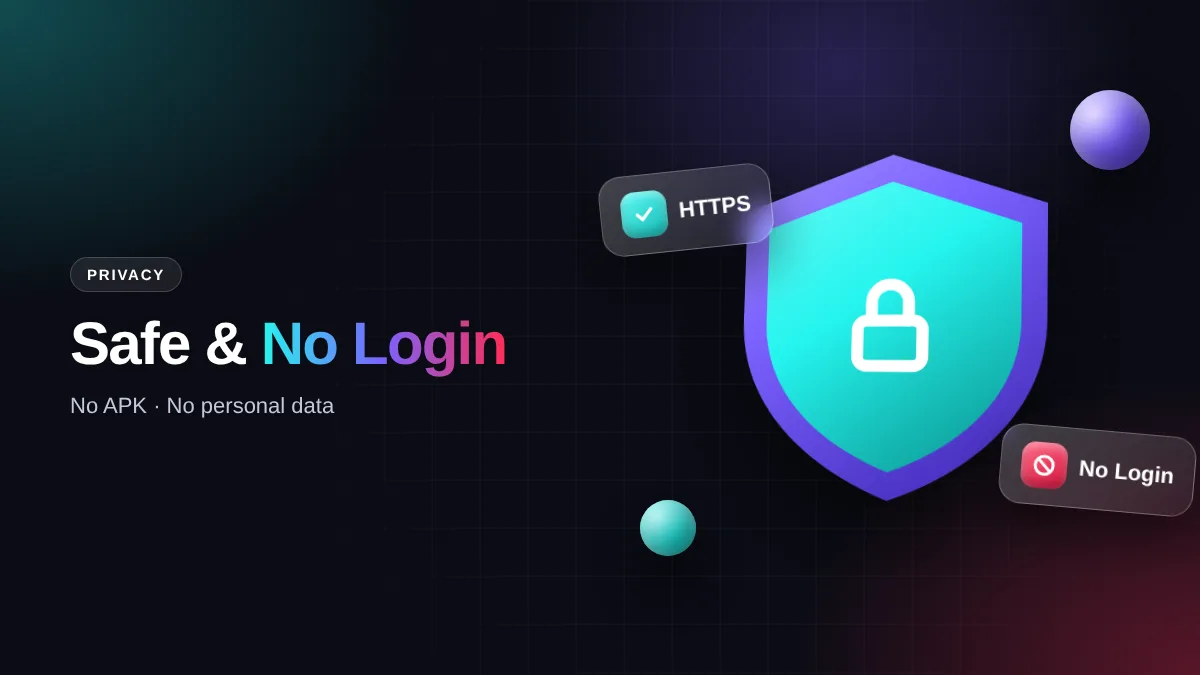
It’s a fair question, since many download sites are packed with misleading ads. We never ask for your TikTok login, phone number or email address, and we don’t keep a history of the links you paste.
Files are processed temporarily and removed from our servers automatically. The whole site runs over HTTPS. One habit worth keeping on any download site: ignore ads that tell you to install an app or “clean a virus”. Our real download buttons always appear directly under your result.
What we never ask for
- Your TikTok password or login
- An APK or browser extension install
- Personal details like a phone number
- Payment for HD downloads
Video not downloading? Check these first
Most ssstiktok errors come from the link itself, not the tool. Here’s a quick fix list.
| Problem | Likely cause | Fix |
|---|---|---|
| “Invalid link” | You copied the caption, not the URL | Share → Copy link again, then paste |
| Video not found | Private account or deleted post | Only public videos can be saved |
| Video plays instead of saving | Browser opened the file | Long-press the button → Download link |
| Missing from iPhone Photos | File is still in the Files app | Share → Save Video |
| No sound in the file | TikTok muted the track for copyright | The source itself has no audio |
What people save with SSSTikTok
Watch offline
On a flight, the metro or anywhere with weak signal, saved clips play without buffering or eating your data plan.
Learning and recipes
Cooking tutorials, Excel shortcuts and language lessons are easy to lose in the feed. Keep them in a folder you can search.
Creative reference
Creators and small businesses collect examples of hooks, transitions and editing styles. Use them for inspiration, not reposting.
Personal archive
A friend’s graduation clip or a family moment could be deleted any day. A private copy keeps that memory safe.
Download for yourself, credit the creator
Saving a video to watch offline, study or keep as a memory is reasonable personal use. Re-uploading someone else’s work as your own, or using it commercially without permission, can break TikTok’s Terms of Service and copyright law, including takedown rules like the DMCA.
If you want to share a clip, ask the creator first and tag their account. Small habits like that keep the creator community healthy, and your favourite accounts keep posting.
Frequently asked questions
Is SSSTikTok free?
Yes, completely. There’s no premium plan and no daily download limit.
How do I use ssstiktok on my phone?
Copy the video link in the TikTok app, open this site in your mobile browser, paste the link into the box and tap Download.
Will the creator know I downloaded their video?
No. We don’t send any notification to TikTok or to the account owner.
Can I download videos from private accounts?
No. The tool only reads content that is publicly available.
Where are downloaded files saved?
On Android, in the Download folder and Gallery. On iPhone, in the Files app under Downloads. On a computer, in your browser’s default download folder.
Do I need to install an app or extension?
No. Everything runs in your web browser.
What video quality can I get?
It depends on the original upload. Most videos are available in 720p or 1080p HD, plus a smaller version to save space.
Can I download long TikTok videos?
Yes. Videos over 10 minutes work too; they just take a few extra seconds to process.
Does it work with Douyin?
Right now we focus on TikTok. Support for Douyin and other platforms is on our roadmap.
Is this site affiliated with TikTok?
No. We’re an independent service and have no connection with TikTok or ByteDance Ltd.
How is this different from TikTok’s Save video option?
TikTok’s own option keeps the watermark and can be disabled by the creator. Downloads here are clean and include an MP3 option.
Is it legal to download TikTok videos?
Saving public videos for personal, offline viewing is generally tolerated, but reposting or commercial use without permission may infringe copyright. Laws differ by country, so check what applies where you live.
SSSTikTok is an independent tool and is not affiliated with TikTok or ByteDance Ltd. All rights to content belong to the original creators. Please use downloads for personal purposes only.